Key takeaways
- Check actual eSIM-capable hardware
- Confirm device and plan compatibility
- Budget shared data and charging
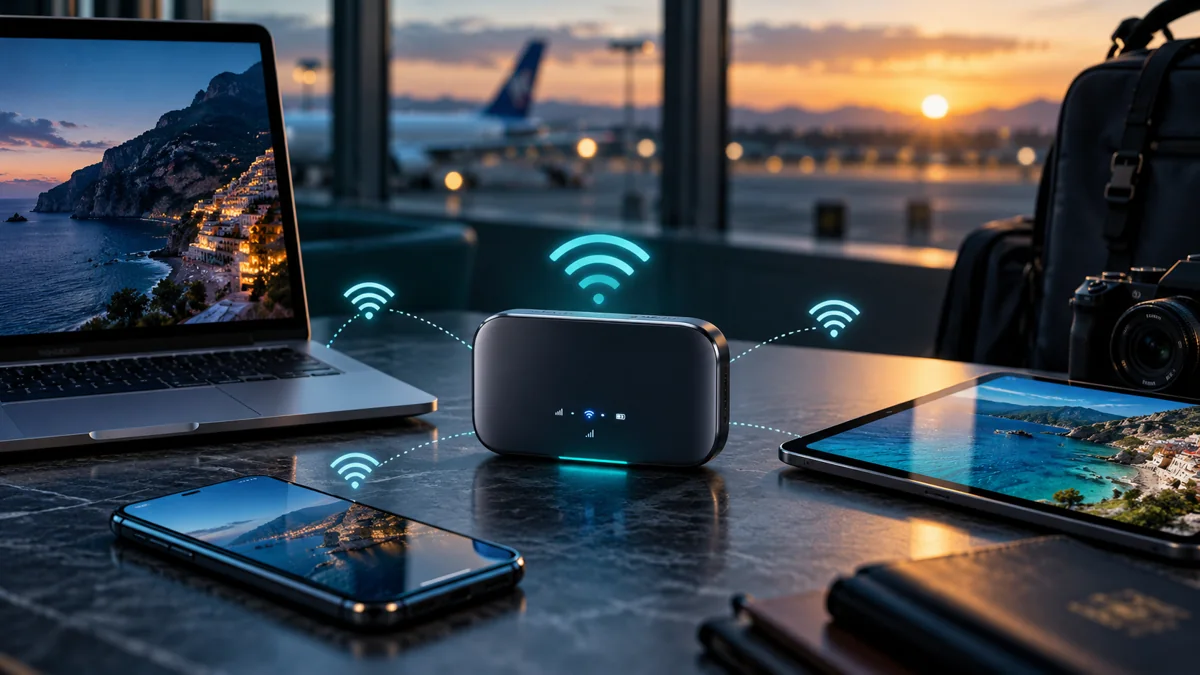
An eSIM router is a cellular router that can use a compatible digital SIM profile to connect to a mobile network and share that internet connection with other devices. Unlike a typical Wi-Fi repeater, it needs a cellular modem and an eligible mobile subscription. A portable router advertised as 4G or 5G is not automatically eSIM-capable.
Travelers considering an eSIM router should check modem bands, profile provisioning, Wi-Fi capacity, power requirements, and carrier restrictions. A phone hotspot may already cover occasional use, while a dedicated router can be useful for families, remote work, or multiple devices that need a common connection.
How does an eSIM router work?
An eSIM router downloads or uses an eligible subscription profile through built-in hardware or a supported provisionable adapter. Its cellular modem connects to a partner network, and the router then shares internet over Wi-Fi or sometimes Ethernet. Every connected device uses the plan's data allowance and network performance.
The router does not create cellular coverage where none exists. Its antennas and modem may perform differently from a phone, but the supported mobile operator and location remain decisive. Check the local network before assuming that a larger device guarantees better reception.
What is the difference between an eSIM router and pocket Wi-Fi?
An eSIM router is defined by its digital subscription capability, whereas pocket Wi-Fi describes a portable hotspot device that may use a physical SIM, eSIM, or a provider-managed subscription. Some portable devices can be both, but the categories are not identical. Marketing descriptions should distinguish actual provisioning support.
| Device | Connectivity source | Main difference |
|---|---|---|
| Built-in eSIM cellular router | Native supported eSIM profile | Digital provision without card |
| Physical-SIM travel router | Removable SIM card | May not download eSIM itself |
| Wi-Fi travel router | Existing Wi-Fi/Ethernet | May have no cellular modem |
| Smartphone hotspot | Phone's mobile plan | Uses phone battery and tethering |
| Cellular router with adapter | Programmed removable adapter | Requires vendor compatibility |
A dedicated eSIM router may offer Ethernet ports or additional Wi-Fi configuration options, depending on hardware. A small personal hotspot may prioritize portability instead. Compare the actual specification rather than the product category name.
Before you rely on this connection
1Eligibility
Check actual eSIM-capable hardware
2Product conditions
Confirm device and plan compatibility
3Practical setup
Budget shared data and charging
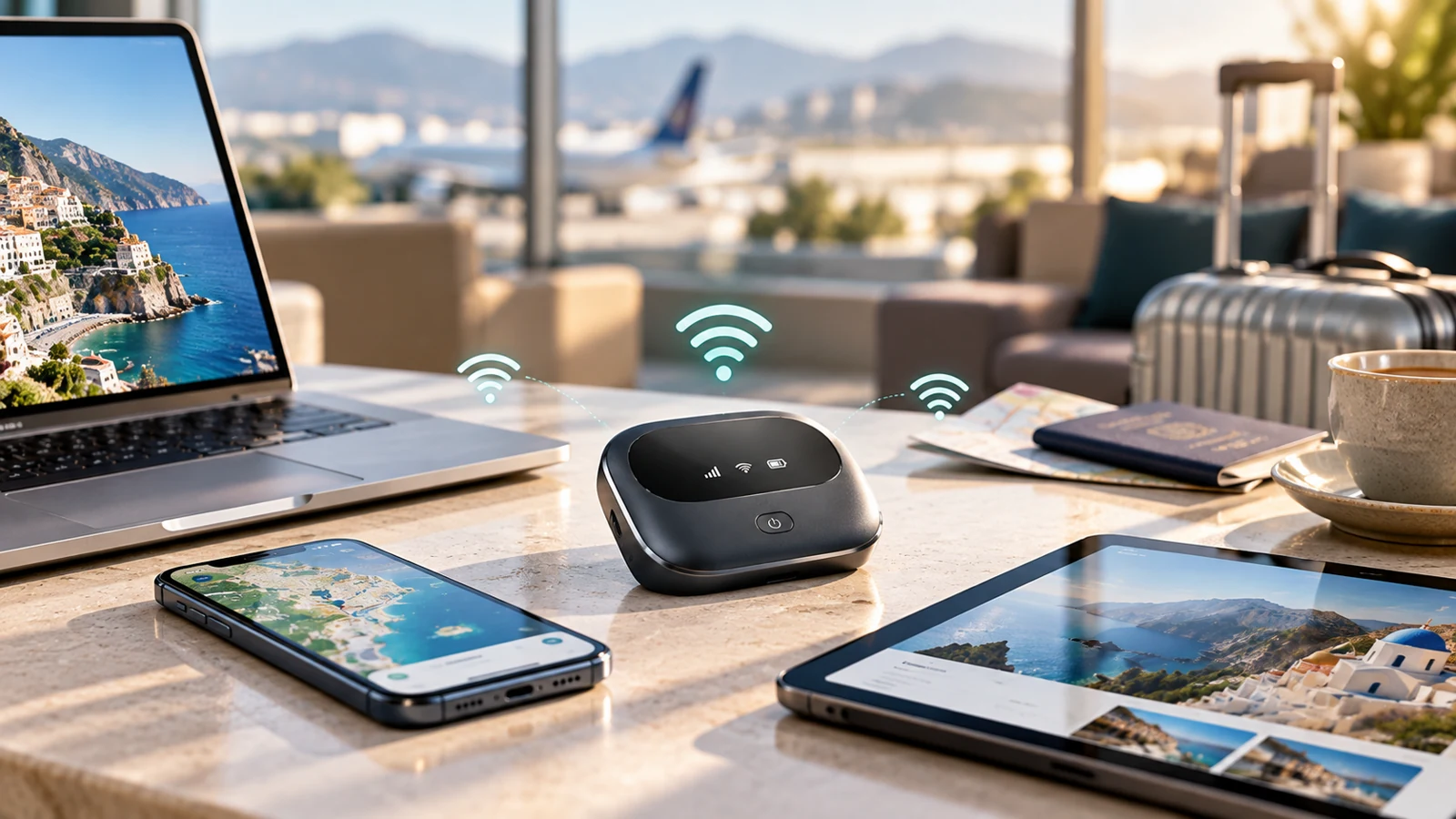
Which travel routers really support eSIM?
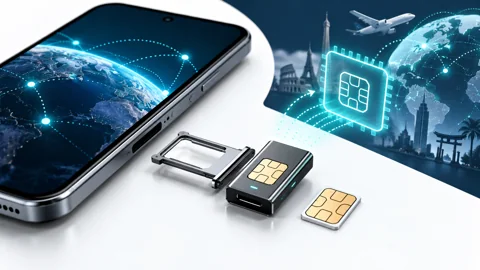
An eSIM router must have native eSIM hardware or documented compatibility with a specific adapter and provisioning process. A manufacturer advertising 'SIM support' may mean only a plastic card slot. Read the documentation for EID, profile download, QR-code handling, or supported carrier activation.
Some routers accept previously configured removable eSIM-adapter cards without managing new profiles themselves. That can add complexity when crossing borders. A device that can read an active profile is not necessarily able to install another one.
Can you use a phone travel eSIM in a router?
Not automatically. An eSIM router needs a plan that permits its device type and supports the router's activation method. Some smartphone-focused travel products restrict compatible hardware or tethering, while other data-only plans can be suitable for routers. Confirm provisioning before paying for a nonrefundable profile.
Check the router's supported LTE/5G bands, network lock status, and any APN settings. Provider approval matters more than whether the activation code looks like a normal QR code. If uncertain, request device-specific confirmation from the plan issuer.
Is an eSIM router better for multiple travelers?
An eSIM router can make sense for a group that stays together, such as a family in one rental car or a small remote-work team. All devices can share one subscription without depending on someone's personal phone hotspot. However, if the group separates, people outside Wi-Fi range lose the shared connection.
For travelers who frequently split up, individual eSIMs may be more practical. One router also creates a single point of failure, so a battery problem or missing cellular signal affects everyone. Independent connections can improve flexibility.
How much data does a cellular router need?
An eSIM router aggregates usage from every connected laptop, tablet, streaming device, and phone. Background software updates and cloud backups can quickly exhaust a small allowance. Estimate total data by device and activity rather than simply multiplying one phone's typical use.
For an illustrative two-week trip, suppose three devices collectively use 1.5 GB per day. That is 21 GB before a buffer. With a 20% margin the planning requirement becomes 25.2 GB; a package above this amount is worth comparing. These are invented planning assumptions, not observed customer averages.
What about battery life, power, and security?
An eSIM router may use an internal rechargeable battery, USB power, or an external adapter depending on its design. Sustained cellular operation and multiple Wi-Fi clients draw power. Check whether it can run while charging and whether the power requirements suit travel in a campervan or train.
Use a strong Wi-Fi password, up-to-date firmware, and trusted management credentials. Publicly accessible router admin panels or default passwords can expose connected devices. A cellular subscription is not a replacement for general network security.
Can a cellular router provide better 5G speeds?
An eSIM router may perform well when its modem supports relevant frequency bands and the network has adequate signal, but no form factor guarantees faster service. Some portable routers are LTE-only despite being marketed for travel; others support 5G bands that are unavailable in the target country. External antennas may be supported on particular models, but results still vary.
Compare confirmed modem bands and local network coverage. Check the available data plan's speed rules, because throttling can reduce throughput regardless of router hardware. For work-critical applications, test the connection before important meetings.
Is cellular router better than a phone hotspot for remote work?
An eSIM router is worth considering when several devices need shared, continuous internet and a separate network appliance reduces dependence on one phone. A phone hotspot can be simpler and cheaper for occasional laptop sessions. Neither approach guarantees service in remote campsites or inside trains.
A professional setup may include a primary mobile connection and an independent fallback such as another operator's SIM or reliable accommodation Wi-Fi. Backup diversity can matter more than expensive hardware. Evaluate total ownership cost, including router purchase, data plans, batteries, and accessories.
How should you compare eSIM routers before buying?
Compare an eSIM router only after verifying native or adapter-based digital profile support. Then assess modem bands, dual-SIM capability, Wi-Fi standards, supported client count, security updates, battery life, and carrier restrictions. Avoid purchasing hardware solely because its listing contains the word eSIM.
- Verify profile download and management method.
- Confirm unlocked cellular bands for target countries.
- Check whether the travel data issuer permits router usage.
- Estimate cumulative data demand across all devices.
- Review battery, power, firmware support, and warranty.
- Compare total cost against phone hotspot or individual plans.
Example: router connectivity for a campervan trip
An eSIM router can provide one connection for a campervan passenger's laptop, tablet, and navigation device when suitable cellular coverage exists. Check the router's electrical requirements, modem bands, and allowed subscription type before departure. A cellular router with only a physical SIM slot may not support downloading digital profiles.
An eSIM router may offer convenient shared internet at campsites, but weak rural signal can still interrupt service. The travelers should download maps in advance and prepare an alternative communication method if the route includes areas outside ordinary mobile coverage. Carrying a more expensive router does not replace safe offline planning.
For one person who needs internet only occasionally, an eSIM router can be unnecessary equipment. A capable smartphone with permitted hotspot sharing may already meet the requirement. Compare the hardware purchase, separate data subscription, power usage, and reliability before deciding which setup provides better value.
How much data should you plan for?
A simple planning estimate, based on your own expected use.
Frequently Asked Questions about cellular router
Does every 4G or 5G travel router support eSIM?
No. An eSIM router requires specific digital profile support; many cellular routers accept only physical SIM cards. Confirm the manufacturer specifications before buying.
Can I install any eSIM QR code on a router?
Not necessarily. An eSIM router must support the provider's activation method, and the service must permit that device. Some products are smartphone-only or adapter-dependent.
Is a cellular router better than pocket Wi-Fi?
An eSIM router can also be a pocket Wi-Fi device if it is portable. Compare native digital provisioning, hardware, battery, and supported plans rather than the labels.
Can a cellular router share data with several laptops?
Yes, a suitable eSIM router shares one cellular connection across supported Wi-Fi clients, but they consume the same data allowance. Network performance and device limits still apply.
Is a cellular router worth buying for travel?
An eSIM router is most useful when multiple devices need independent shared connectivity. A phone hotspot may be enough for a short trip or occasional use, particularly when the mobile plan permits tethering.
My quick checklist
Your choices stay in this browser.
0 of 3 checked
Official sources and conditions
Provider features and eligibility can change. Consult the current product and device instructions.