Key takeaways
- Verify a cellular modem and eSIM
- Confirm the plan permits this device
- Control laptop background traffic
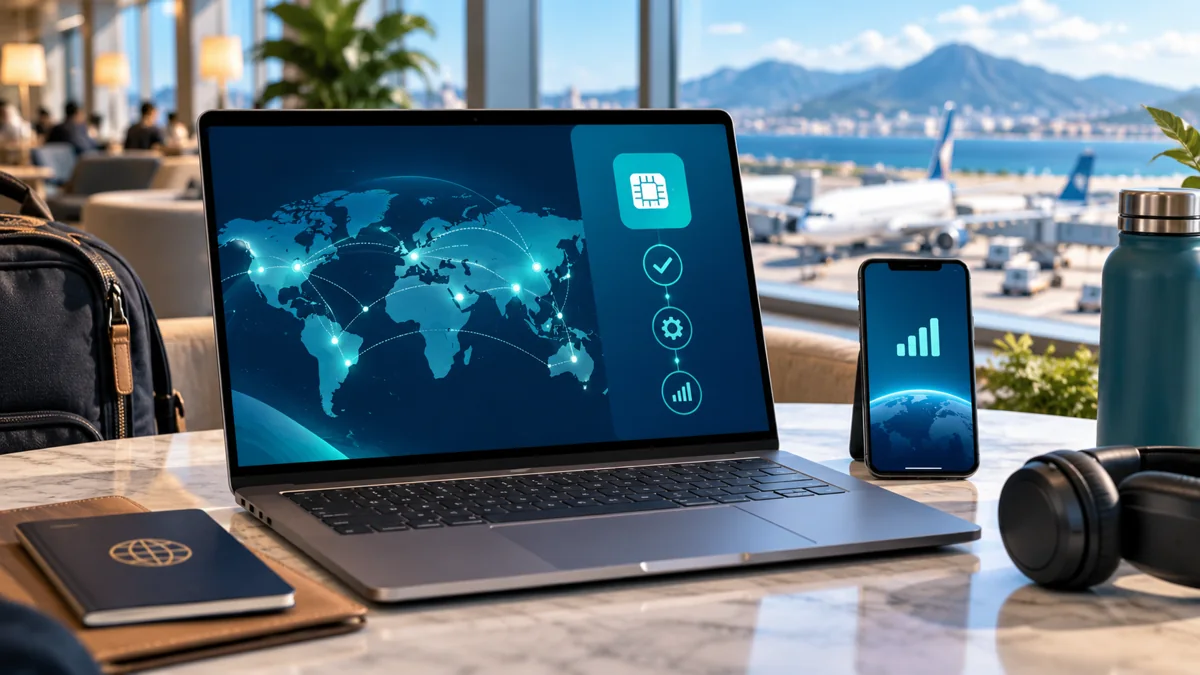
Travel-ready eSIM laptops are computers that include compatible cellular hardware and embedded SIM capability, allowing a supported mobile subscription to provide internet without tethering to a phone. Most ordinary Wi-Fi-only laptops cannot become cellular devices merely by installing an eSIM app. The hardware must include the relevant modem and antenna as well as profile-management support.
When comparing eSIM laptops, travelers should separate three questions: does the machine support cellular networking, does it support eSIM profiles, and does the chosen carrier permit activation on that model? A yes to one is not automatically a yes to the others.
Which laptops actually support eSIM?
Supported eSIM laptops typically include an integrated cellular modem, sometimes called a WWAN module, and software for managing digital subscriptions. Certain business-oriented and cellular-configured Windows models provide this option, but different versions of the same laptop family may have different hardware. A Wi-Fi specification alone does not establish cellular support.
Check the manufacturer's exact model and optional configuration rather than the general product name. Corporate devices may include hardware but restrict profile installation through administrative policy. A laptop with a SIM tray is not automatically an eSIM-capable machine either.
How do you check eSIM support in Windows 11?
For eSIM laptops running Windows 11, Microsoft instructs users to open Settings → Network & internet and look for Cellular. If Cellular is absent, the computer may lack usable integrated mobile broadband hardware. Within Cellular, look for eSIM or related SIM selection and the eSIM profiles management page.
| What appears in Windows | Meaning |
|---|---|
| No Cellular settings | Integrated cellular connection may be unavailable |
| Cellular but no eSIM profile option | Cellular hardware exists; eSIM support needs checking |
| eSIM profiles shown | Windows can manage supported digital profiles |
| Profile installed but disconnected | Check subscription, coverage, and selected line |
| Managed organization device | Administrator may control activation |
Microsoft also describes QR-code, activation-code, and supported operator download methods. An eSIM profile should be added through Windows's own cellular settings or an approved carrier process, not an arbitrary phone-only application.
Before you rely on this connection
1Eligibility
Verify a cellular modem and eSIM
2Product conditions
Confirm the plan permits this device
3Practical setup
Control laptop background traffic
How do you install an eSIM profile on a Windows laptop?
On compatible eSIM laptops, open Settings → Network & internet → Cellular → eSIM profiles, then use the supported Add profile workflow. Depending on Windows version and carrier support, installation may use a QR code, activation code, search for available profiles, or a provider-supported download. Follow only the method the issuer documents.
The machine needs an internet connection to download the profile initially, often through Wi-Fi. Some carriers may request device identifiers such as EID or IMEI; provide them only through trusted activation channels. After installation, select the desired profile and confirm that Windows is allowed to use cellular data.
Can any phone travel eSIM work on a laptop?
No. A travel package sold for smartphones cannot automatically be assumed compatible with eSIM laptops. Its provisioning rules may restrict devices, while the laptop modem may lack frequency bands used by the destination network. The plan's usage policy also determines whether supported data can be used on a computer.
Some operators offer specific laptop or data-only subscriptions. Others require activation through a supported mobile account. Validate device category and modem compatibility before buying rather than assuming that a QR code is universally portable.
Are eSIM laptops better than phone hotspot for travel?
eSIM laptops can offer direct cellular connectivity without depending on a nearby smartphone, which is useful for work on trains or at temporary offices. However, an integrated modem adds hardware cost and may require a separate subscription. A phone hotspot may be simpler for occasional laptop internet use if tethering is permitted.
| Connection method | Advantage | Main limitation |
|---|---|---|
| Laptop's built-in eSIM | Independent mobile data | Requires WWAN/eSIM hardware |
| Phone hotspot | Reuses phone's connection | Battery drain and carrier restrictions |
| USB cellular modem | Adds dedicated radio to some PCs | Driver and hardware compatibility |
| Portable router | Shares internet with several devices | Extra battery and equipment |
| Public Wi-Fi | No separate cellular device | Availability and privacy concerns |
There is no universal winner. For frequent travel, eSIM laptops with independent connectivity may justify the additional setup. For short holidays, a compatible phone hotspot can be sufficient.
What about laptop battery life and mobile-data usage?
eSIM laptops consume energy when their cellular modem is active, and the impact depends on radio conditions and device design. A dedicated modem can eliminate the need to drain the phone through hotspot use, but it does not create free or unlimited internet. Laptop applications can also use data in the background.
Treat the cellular connection as metered when appropriate. Pause operating-system updates, cloud backups, and large file downloads unless essential. Business video calls may use substantial data even when the computer appears otherwise idle.
Can you use eSIM laptops in several countries?
eSIM laptops can use an eligible regional or global subscription if the modem and mobile plan support the intended countries. A Europe label does not establish coverage in every island or non-EU territory. Network frequency support and allowed data roaming are as important as the profile's destination list.
Crossing borders may produce brief interruptions as the device registers on a new network. Download work documents before long journeys, particularly where signal is limited. If connectivity is critical, prepare a phone hotspot or another independent connection as a backup.
Why might an eSIM laptop fail to connect?
eSIM laptops can have problems caused by an expired plan, incorrect selected profile, missing local network, carrier restrictions, or incomplete activation. First confirm the modem appears in Windows and the subscription is enabled. Then review carrier coverage and relevant Windows cellular settings.
Microsoft cautions that deleting a profile can require contacting the operator to reinstall it. Do not delete a working profile as a first troubleshooting measure. On work-managed devices, involve the administrator rather than bypassing company policy.
Is buying an eSIM-enabled laptop worth it?
An eSIM laptops configuration is worth considering when cellular independence materially improves work or travel. The total expense includes the hardware option, service plan, roaming rules, and potential support requirements. If the laptop already works well through a phone hotspot, paying for a new WWAN-equipped model may not provide adequate value.
Before replacing a computer, review its exact specifications for an upgradeable WWAN slot; many laptops are not easily upgraded, and compatible antennas may be absent. A portable router or USB modem can be an alternative under suitable conditions. The best option is the least complex solution that meets the needed reliability.
Example: connecting a Windows laptop for a business trip
A manager using eSIM laptops for an international conference should verify the computer's integrated modem before buying mobile data. An absent Cellular setting may indicate that the laptop is simply a Wi-Fi-only model. If the machine supports eSIM, the next step is confirming that the company and chosen carrier permit installing the relevant profile.
With eSIM laptops, usage planning should include video meetings, collaboration tools, and software updates. A laptop can consume far more background traffic than a phone used for messages. Configure Windows metered-network behavior, pause optional cloud synchronization, and keep a reliable hotspot fallback for important calls.
For teams, eSIM laptops also raise procurement questions. Device management policies, carrier contracts, recovery procedures, and supported countries should be documented before departure. A straightforward phone hotspot may still be the better option for an employee taking only one short trip per year.
How much data should you plan for?
A simple planning estimate, based on your own expected use.
Frequently Asked Questions about eSIM laptops
Do all laptops support eSIM?
No. Only certain eSIM laptops include compatible cellular hardware and profile support. Ordinary Wi-Fi-only models cannot gain this function through software alone.
How do I know if my laptop has eSIM?
For Windows eSIM laptops, look for Cellular and eSIM profiles under Settings → Network & internet. Confirm the exact WWAN hardware in the manufacturer's specifications.
Can I install a phone eSIM on a Windows laptop?
Not necessarily. eSIM laptops need a mobile plan that supports their device and modem. Some smartphone travel products have device or provisioning restrictions.
Is laptop eSIM better than mobile hotspot?
eSIM laptops provide independence from the phone when supported, while hotspot can avoid extra hardware and subscriptions. Compare data usage, battery, cost, and practical reliability.
Can I use a laptop eSIM abroad?
Supported eSIM laptops can connect internationally if their modem and subscription cover the destination. Check local network bands, roaming rules, and full-trip validity.
My quick checklist
Your choices stay in this browser.
0 of 3 checked
Official sources and conditions
Provider features and eligibility can change. Consult the current product and device instructions.