← All articles eSIM Setup and Compatibility Guides for Your Devices Clear instructions for checking eSIM compatibility, installing a digital SIM and fixing common mobile data problems on popular devices.
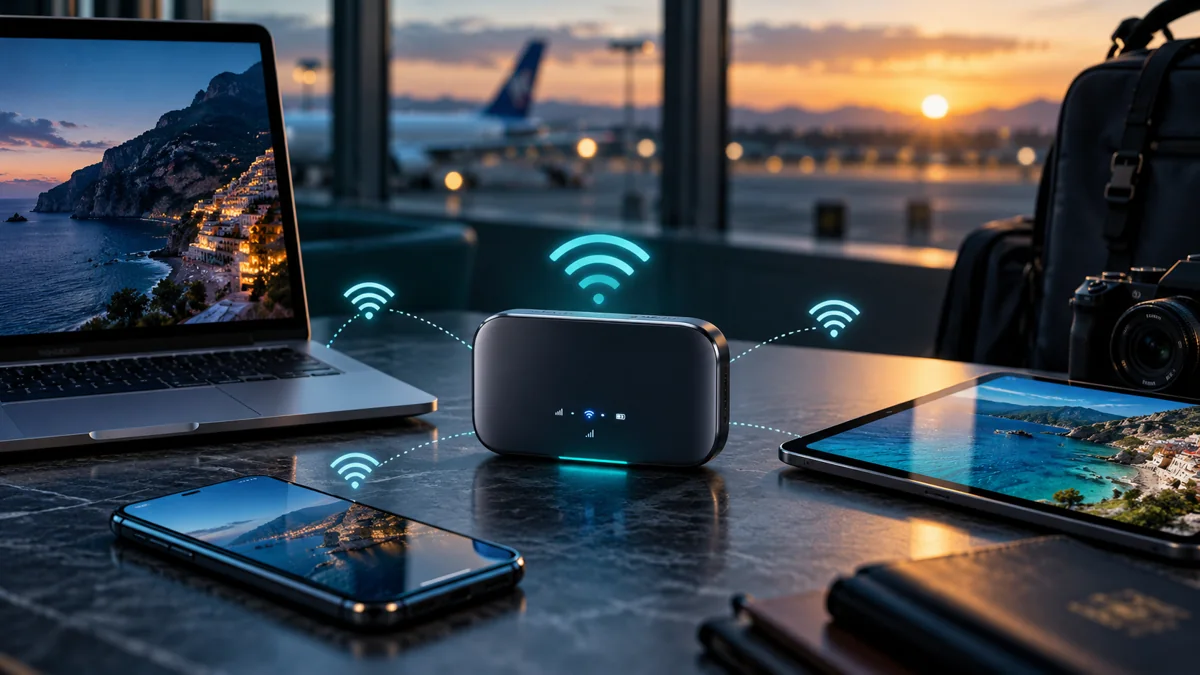
Device & Setup A travel eSIM router can share a mobile connection across several devices, but not every portable Wi-Fi router supports digital SIM profiles. Learn how to compare hardware and data plans.
Latest articles 40 articles Device & Setup 7 min read
→ Device & Setup 7 min read
→ Device & Setup 7 min read
→ Device & Setup 10 min read
→ Device & Setup 12 min read
→ Device & Setup 12 min read
→ Device & Setup 10 min read
→ Device & Setup 10 min read
→ No articles match your search. Try another word or category.
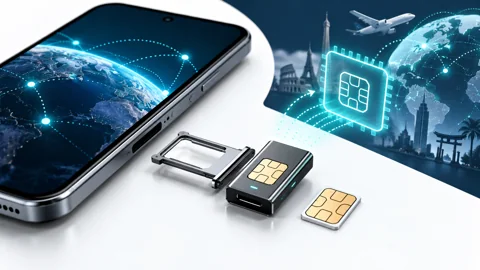
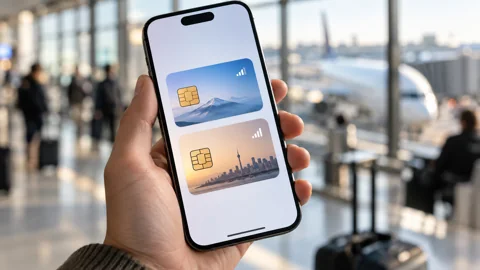
Setting up an eSIM is often straightforward, but the exact process depends on your phone, operating system and mobile provider. Some smartphones support multiple digital SIM profiles, while others have regional restrictions or carrier locks that can prevent installation. Our eSIM setup guides help you understand these requirements before purchasing a travel data plan.
This section covers practical installation steps, device compatibility and troubleshooting. Whether you use an iPhone, Samsung Galaxy, Google Pixel or another compatible device, you'll find guidance designed to make international connectivity easier.
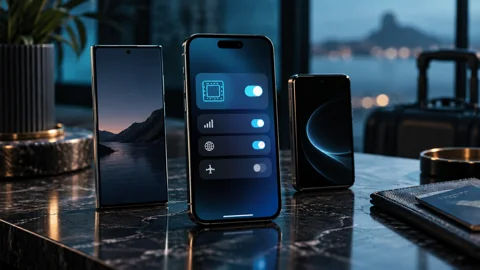
How Can You Check If Your Phone Supports eSIM? You can check eSIM compatibility through your device's official specifications and cellular settings. The exact model, country of purchase and software version can affect whether a phone supports digital SIM activation.
A compatible device may also need to be unlocked before using an eSIM from another provider. Finding an Add eSIM option is useful, but it does not guarantee that every international mobile service will work.
Our compatibility guides explain how to check these details before buying. They also cover selected tablets, connected laptops and devices that require alternatives such as physical SIM cards or mobile hotspots.
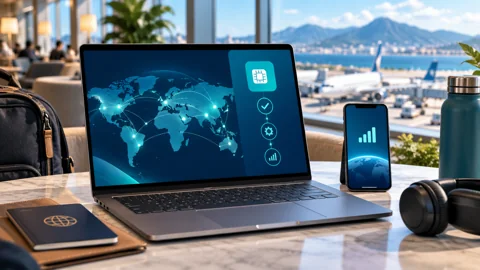
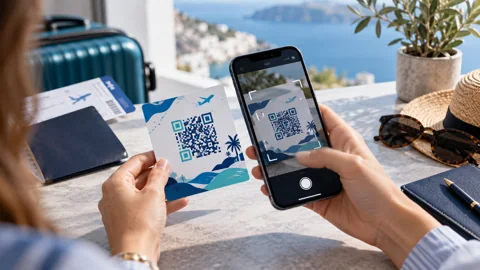
How Do You Install and Activate a Travel eSIM? Installing an eSIM generally involves downloading a digital mobile profile using a QR code, provider application or another supported activation method. The installation process should follow the instructions supplied with the purchased plan.
Activation timing is equally important. Some travel eSIM services begin their validity period during installation, while others start after connecting to a supported destination network.
Our setup guides explain how to select the correct cellular-data line, configure roaming when required and keep an existing phone number available on compatible dual-SIM devices.
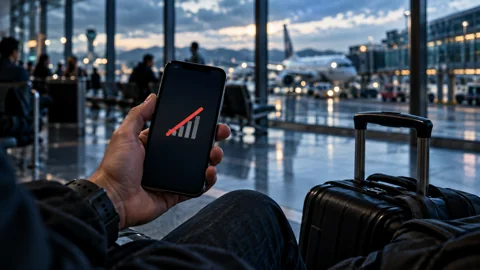
What Should You Do If Your eSIM Is Not Working? If an eSIM is not working, first check whether the profile is installed and enabled. Then confirm that the correct line is selected for data and that the package includes your current destination.
A device showing No Service may have a network-registration or coverage problem. A phone showing signal bars without internet access may require checks involving APN settings, data roaming or the remaining allowance.
Our troubleshooting guides help identify the likely cause before changing settings. Do not delete an installed eSIM without checking its reinstallation policy , because the original activation code may not be reusable.
Use these instructions to prepare your device, then compare compatible travel data plans on TopTravelESIM.
toptravel esim · Travel eSIM comparison
Comparison methodology Photo: poirpom · CC BY 2.0 · Wikimedia Commons
Photo: Ryancoke2020 · CC BY-SA 4.0 · Wikimedia Commons
Destination photo credits King of Hearts · CC BY-SA 3.0 · Wikimedia Commons
VN.NguyenDucDuy · CC BY-SA 4.0 · Wikimedia Commons
Nicholas Hartmann · CC BY-SA 4.0 · Wikimedia Commons
Mайкл Гиммельфарб · CC BY-SA 4.0 · Wikimedia Commons
SegLig · CC BY 4.0 · Wikimedia Commons
New destination photo credits Egypt: kallerna · CC BY-SA 3.0 · Wikimedia Commons
Vietnam: Mustang Joe · CC0 · Wikimedia Commons
South Korea: Flickr - Laurie Nevay
https://www.flickr.com/photos/laurienevay/ · CC BY-SA 2.0 · Wikimedia Commons
Mexico: Jeses · CC BY-SA 2.5 · Wikimedia Commons
Canada: Jchmrt · CC BY-SA 4.0 · Wikimedia Commons
France: Benh LIEU SONG · CC BY-SA 4.0 · Wikimedia Commons
Greece: Mstyslav Chernov · CC BY-SA 3.0 · Wikimedia Commons
Indonesia: CEphoto, Uwe Aranas · CC BY-SA 3.0 · Wikimedia Commons
Malaysia: James Kerwin from Tbilisi · CC BY 2.0 · Wikimedia Commons
Australia: Dietmar Rabich · CC BY-SA 4.0 · Wikimedia Commons
Additional destination image credits Morocco: Panorama-jemaaelfna2.JPG: FoxLimaOscar
derivative work: Jjtkk · CC BY-SA 3.0 · Wikimedia Commons
Tunisia: Mietek Ł · CC BY-SA 3.0 · Wikimedia Commons
Albania: Arianit · CC BY-SA 4.0 · Wikimedia Commons
Philippines: Vyacheslav Argenberg · CC BY 4.0 · Wikimedia Commons
Sri Lanka: Thushara Nadeeja · CC BY-SA 4.0 · Wikimedia Commons
Switzerland: Bob Tan · CC BY-SA 4.0 · Wikimedia Commons
India: Prabhat Chandra · CC BY-SA 4.0 · Wikimedia Commons
China: Mike from Vancouver, Canada · CC BY-SA 2.0 · Wikimedia Commons
United Arab Emirates: iMahesh · CC BY-SA 4.0 · Wikimedia Commons
Costa Rica: Rhododendrites · CC BY-SA 4.0 · Wikimedia Commons
Additional destination image credits United Kingdom: Rob.ng15 · CC BY 3.0 · Wikimedia Commons
Brazil: Acediscovery · CC BY 4.0 · Wikimedia Commons
Peru: Martin St-Amant (S23678) · CC BY-SA 3.0 · Wikimedia Commons
Ireland: Robg555 · CC BY-SA 3.0 de · Wikimedia Commons
Taiwan: CEphoto, Uwe Aranas · CC BY-SA 3.0 · Wikimedia Commons
New Zealand: Krzysztof Golik · CC BY-SA 4.0 · Wikimedia Commons
South Africa: Dietmar Rabich · CC BY-SA 4.0 · Wikimedia Commons
Kenya: Mkimemia · Public domain · Wikimedia Commons
Saudi Arabia: Vadym Gavrykov · CC BY-SA 4.0 · Wikimedia Commons
Montenegro: Pudelek (Marcin Szala) · CC BY-SA 3.0 · Wikimedia Commons
Additional destination image credits Netherlands: Diliff · CC BY 2.5 · Wikimedia Commons
Austria: Plamen Agov (user:MrPanyGoff) · CC BY-SA 3.0 · Wikimedia Commons
Croatia: Diego Delso · CC BY-SA 3.0 · Wikimedia Commons
Czech Republic: Diliff · CC BY-SA 3.0 · Wikimedia Commons
Poland: Adam Jones from Kelowna, BC, Canada · CC BY-SA 2.0 · Wikimedia Commons
Hungary: Godot13 · CC BY-SA 4.0 · Wikimedia Commons
Belgium: Thomas Quine · CC BY 2.0 · Wikimedia Commons
Norway: Ximonic (Simo Räsänen) · CC BY-SA 3.0 · Wikimedia Commons
Sweden: Acediscovery · CC BY 4.0 · Wikimedia Commons
Singapore: Basile Morin · CC BY-SA 4.0 · Wikimedia Commons
Additional destination image credits Denmark: fabiolah · CC BY 3.0 · Wikimedia Commons
Finland: KFP · CC BY-SA 3.0 · Wikimedia Commons
Iceland: Jakub Hałun · CC BY 4.0 · Wikimedia Commons
Cyprus: El Nino · CC BY-SA 3.0 · Wikimedia Commons
Malta: Rhododendrites · CC BY-SA 4.0 · Wikimedia Commons
Romania: Alex:D · CC BY-SA 3.0 · Wikimedia Commons
Bulgaria: Alexander Murvanidze · CC BY-SA 3.0 · Wikimedia Commons
Serbia: Boksi · CC BY-SA 3.0 · Wikimedia Commons
Georgia: User:Ggia · CC BY-SA 3.0 · Wikimedia Commons
Argentina: Martin St-Amant (S23678) · CC BY-SA 3.0 · Wikimedia Commons
Additional destination image credits Cambodia:
Reinhard Onasch · CC BY-SA 3.0 · Wikimedia Commons
Nepal: Arun Prakash Sharma · CC BY-SA 4.0 · Wikimedia Commons
Jordan: Vyacheslav Argenberg · CC BY 4.0 · Wikimedia Commons
Oman: Paasikivi · CC BY-SA 3.0 · Wikimedia Commons
Qatar: Zairon · CC BY 4.0 · Wikimedia Commons
Slovenia: Mihael Grmek · CC BY-SA 3.0 · Wikimedia Commons
Slovakia: Stano Novak · CC BY 2.5 · Wikimedia Commons
Estonia: Ivar Leidus · CC BY-SA 3.0 ee · Wikimedia Commons
Latvia: Diliff · CC BY-SA 3.0 · Wikimedia Commons
Lithuania: Diliff · CC BY-SA 3.0 · Wikimedia Commons
Additional destination image credits Armenia: Սէրուժ Ուրիշեան (Serouj Ourishian) · CC BY-SA 3.0 · Wikimedia Commons
Azerbaijan:
Francisco Anzola · CC BY 3.0 · Wikimedia Commons
Kazakhstan: Matti Blume · CC BY-SA 4.0 · Wikimedia Commons
Uzbekistan: Adam Jones from Kelowna, BC, Canada · CC BY-SA 2.0 · Wikimedia Commons
Chile: 3BRBS · CC BY-SA 3.0 · Wikimedia Commons
Uruguay: Ermell · CC BY-SA 4.0 · Wikimedia Commons
Panama: 123Hollic · CC BY-SA 4.0 · Wikimedia Commons
Tanzania: Adam Jones from Kelowna, BC, Canada · CC BY-SA 2.0 · Wikimedia Commons
Mauritius: "dronepicr" · CC BY 2.0 · Wikimedia Commons
Seychelles: Giles Laurent · CC BY-SA 4.0 · Wikimedia Commons
Additional destination image credits Luxembourg: Paul Braun · CC BY 4.0 · Wikimedia Commons
Bosnia and Herzegovina: Diego Delso · CC BY-SA 3.0 · Wikimedia Commons
North Macedonia: Pudelek (Marcin Szala) · CC BY-SA 3.0 · Wikimedia Commons
Kosovo: Arianit · CC BY-SA 4.0 · Wikimedia Commons
Andorra: Gertjan R. · CC BY-SA 3.0 · Wikimedia Commons
Monaco: Villy Fink Isaksen · CC BY-SA 4.0 · Wikimedia Commons
Liechtenstein: Tschubby · CC BY-SA 3.0 · Wikimedia Commons
San Marino: Terragio67 · CC BY-SA 4.0 · Wikimedia Commons
Vatican City: Diliff · CC BY-SA 3.0 · Wikimedia Commons
Moldova: Анатолий Зубанюк · CC BY 3.0 · Wikimedia Commons
Additional destination image credits Hong Kong: Diliff · CC BY-SA 3.0 · Image source
Macao: Diego Delso · CC BY-SA 3.0 · Image source
Maldives: A J Butler · CC BY 3.0 · Image source
Bangladesh: Mithail Afrige · CC BY 4.0 · Image source
Pakistan: Abbas Baqri · CC BY-SA 4.0 · Image source
Mongolia: Pierre André Leclercq · CC BY 4.0 · Image source
Laos: Pierre André Leclercq · CC BY 4.0 · Image source
Bhutan: Göran Höglund (Kartläsarn) · CC BY 2.0 · Image source
Brunei Darussalam: kulimpapat · CC BY 2.0 · Image source
Fiji: FlagCDN · Public domain · Image source
Additional destination image credits Bahrain: Martin Falbisoner · CC BY-SA 4.0 · Image source
Kuwait: Mahrs Multiverse · CC BY-SA 4.0 · Image source
Israel: MathKnight and Zachi Evenor · CC BY-SA 4.0 · Image source
Lebanon: Hannacek · Public domain · Image source
Algeria: radwoc · CC BY-SA 3.0 · Image source
Cabo Verde: Cayambe · CC BY-SA 3.0 · Image source
Ghana: Adam Jones from Kelowna, BC, Canada · CC BY-SA 2.0 · Image source
Rwanda: FlagCDN · Public domain · Image source
Uganda: Rod Waddington · CC BY-SA 2.0 · Image source
Zambia: Diego Delso · CC BY-SA 4.0 · Image source
Additional destination image credits Ecuador: Diego Delso · CC BY-SA 4.0 · Image source
Bolivia: Diego Delso · CC BY-SA 4.0 · Image source
Paraguay: Cmasi · CC BY-SA 4.0 · Image source
Guatemala: Виктор Пинчук · CC BY-SA 4.0 · Image source
Belize: Phil Venditti · CC BY 2.0 · Image source
Honduras: Nan Palmero · CC BY 2.0 · Image source
El Salvador: FlagCDN · Public domain · Image source
Nicaragua: Adam Jones from Kelowna, BC, Canada · CC BY-SA 2.0 · Image source
Jamaica: FlagCDN · Public domain · Image source
Bahamas: Ksaraf · CC BY 3.0 · Image source
Additional destination image credits Yemen: Fuad Al-Qrize · CC BY 4.0 · Image source
Iraq: Adam Jones, Ph.D. · CC BY-SA 3.0 · Image source
Iran: FlagCDN · Public domain · Image source
Åland Islands: Felipe Tofani · CC BY-SA 2.0 · Image source
American Samoa: Eddy23 · CC BY-SA 4.0 · Image source
Angola: Smanjenje · CC BY-SA 4.0 · Image source
Anguilla: FlagCDN · Public domain · Image source
Antigua and Barbuda: lisa bat · CC BY 2.0 · Image source
Aruba: Serge Melki from Indianapolis, USA · CC BY 2.0 · Image source
Afghanistan: Alessandro Balsamo · CC BY-SA 3.0 igo · Image source
Additional destination image credits Barbados: Virtual-Pano · CC BY-SA 4.0 · Image source
Benin: FlagCDN · Public domain · Image source
Bermuda: walknboston · CC BY 2.0 · Image source
Bonaire, Sint Eustatius and Saba: Paul Arps from The Netherlands · CC BY 2.0 · Image source
Botswana: Diego Delso · CC BY-SA 4.0 · Image source
Burkina Faso: Adam Jones, Ph.D. · CC BY-SA 3.0 · Image source
Burundi: Ntahonsigaye · CC BY-SA 4.0 · Image source
Belarus: Tess Mattew · CC BY-SA 4.0 · Image source
Vanuatu: FlagCDN · Public domain · Image source
Additional destination image credits Venezuela: FlagCDN · Public domain · Image source
Virgin Islands, British: bvi4092 · CC BY 2.0 · Image source
Virgin Islands, U.S.:
This image or media was taken or created by Matt H. Wade. To see his entire portfolio, click here.@thatmattwade
This image is protected by copyright! If you would like to use it, please read this first.
· CC BY-SA 4.0 · Image source
Gabon: Daniel Beloumou / European Union, 2023 / EC - Audiovisual Service · CC BY 4.0 · Image source
Gambia: FlagCDN · Public domain · Image source
Guyana: Nick Taylor · Public domain · Image source
Haiti: FlagCDN · Public domain · Image source
Guadeloupe: FlagCDN · Public domain · Image source
Guinea: Vincentyang1912 · CC BY-SA 4.0 · Image source
Additional destination image credits Guinea-Bissau: FlagCDN · Public domain · Image source
Grenada: Dirk.heldmaier · CC BY-SA 3.0 · Image source
Guam: FlagCDN · Public domain · Image source
Gibraltar: FlagCDN · Public domain · Image source
Congo, The Democratic Republic of the: Lomami_River_at_Katopa_Camp,_Democratic_Republic_of_the_Congo.JPG: Christina Bergey
derivative work: Jjtkk · CC BY-SA 3.0 · Image source
Jersey: FlagCDN · Public domain · Image source
Djibouti:
Francisco Anzola · CC BY 3.0 · Image source
Dominica: Dirk.heldmaier · CC BY-SA 3.0 · Image source
Additional destination image credits Eswatini: Sara Atkins · CC BY 2.0 · Image source
Ethiopia: User:mjr74 · CC BY-SA 3.0 · Image source
Zimbabwe: Diego Delso · CC BY-SA 4.0 · Image source
Cayman Islands: Anang M · CC BY 3.0 · Image source
Cameroon: Bdx · CC BY-SA 4.0 · Image source
Kyrgyzstan: Vilya Shoni · CC BY-SA 4.0 · Image source
Côte d'Ivoire: Koffi falcao · CC BY-SA 4.0 · Image source
Additional destination image credits Cuba: Unknown author · Public domain · Image source
Curaçao: Boris Kasimov from Toronto, Canada · CC BY 2.0 · Image source
Lesotho: LesothoPanorama.JPG: User:Kentstander
derivative work: Jjtkk · CC BY 2.5 · Image source
Liberia: FlagCDN · Public domain · Image source
Libya: FlagCDN · Public domain · Image source
Mauritania: LBM1948 · CC BY-SA 4.0 · Image source
Madagascar: Bernard Gagnon · CC BY-SA 3.0 · Image source
Mayotte: Frédéric Ducarme · CC BY-SA 4.0 · Image source
Malawi: Hansueli Krapf · CC BY-SA 3.0 · Image source
Additional destination image credits Mali:
Gilles Dubus · CC BY-SA 4.0 · Image source
Martinique: FlagCDN · Public domain · Image source
Mozambique: FlagCDN · Public domain · Image source
Montserrat: FlagCDN · Public domain · Image source
Myanmar: DIMMIS · CC BY-SA 3.0 · Image source
Namibia: Diego Delso · CC BY-SA 4.0 · Image source
New Caledonia: Miles Goodhew · CC BY 2.0 · Image source
Niger: Vincent van Zeijst · CC BY-SA 4.0 · Image source
Additional destination image credits Nigeria: Sadauki11 · CC BY 4.0 · Image source
Turks and Caicos Islands: Jared · CC BY 2.0 · Image source
Guernsey: Magnus Manske · CC BY-SA 3.0 · Image source
Isle of Man: Ganeshrg · CC BY 3.0 · Image source
Additional destination image credits Papua New Guinea: Phenss · CC BY-SA 3.0 · Image source
Puerto Rico: Attilio Moscioni · Public domain · Image source
South Sudan: FlagCDN · Public domain · Image source
Congo: FlagCDN · Public domain · Image source
Réunion:
Erland De Vienne · CC BY-SA 3.0 · Image source
Russian Federation: Sergey Pesterev · CC BY-SA 4.0 · Image source
Additional destination image credits Samoa: Neil · CC BY 2.0 · Image source
Sao Tome and Principe: Josep M. Gracia · CC BY-SA 4.0 · Image source
Saint Barthélemy: FlagCDN · Public domain · Image source
Saint Martin (French part): FlagCDN · Public domain · Image source
Senegal: Vincenzo Fotoguru Iaconianni · CC BY-SA 2.5 · Image source
Saint Vincent and the Grenadines: Andrew Moore · CC BY-SA 2.0 · Image source
Saint Kitts and Nevis: M. Keefe · CC BY 2.0 · Image source
Saint Lucia: Gordon Leggett · CC BY-SA 4.0 · Image source
Additional destination image credits Solomon Islands: Phenss · CC BY-SA 4.0 · Image source
Sudan: FlagCDN · Public domain · Image source
Suriname: WiDi · CC BY-SA 3.0 · Image source
Timor-Leste: Lofor · CC BY-SA 3.0 · Image source
Sierra Leone: anttilipponen · CC BY 2.0 · Image source
Tajikistan: Adam Harangozó · CC BY-SA 4.0 · Image source
Togo: Sharkie · CC BY 3.0 · Image source
Additional destination image credits Tonga: FlagCDN · Public domain · Image source
Trinidad and Tobago: FlagCDN · Public domain · Image source
Ukraine: spoilt.exile from Kiev, Ukraine · CC BY-SA 2.0 · Image source
Faroe Islands: Vincent van Zeijst · CC BY-SA 3.0 · Image source
French Guiana: Cayambe · CC BY-SA 3.0 · Image source
French Polynesia: Jens Bludau · CC BY-SA 3.0 · Image source
Central African Republic: FlagCDN · Public domain · Image source
Chad: FlagCDN · Public domain · Image source
Additional destination image credits Nauru: FlagCDN · Public domain · Image source
Greenland: Ekrem Canli · CC BY-SA 4.0 · Image source
French Southern Territories: Antoine Lamielle · CC BY-SA 4.0 · Image source
Additional destination image credits Sint Maarten: FlagCDN · Public domain · Image source
Palestine: FlagCDN · Public domain · Image source
Comoros: FlagCDN · Public domain · Image source
Travel eSIM blog · Compare destinations